

- —No ratings yet
- 0Installs
- 1.5.2Version
- 23.10.2026Updated
- 3Python
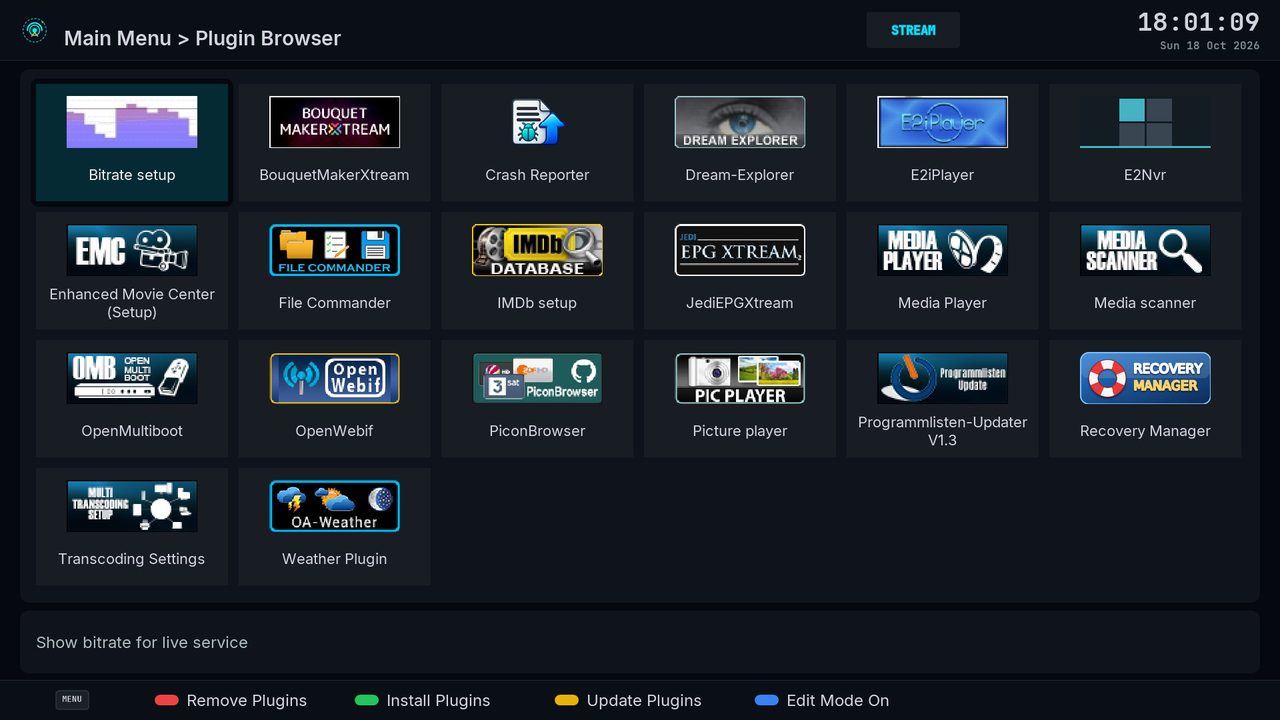
About Obsidian-FHD
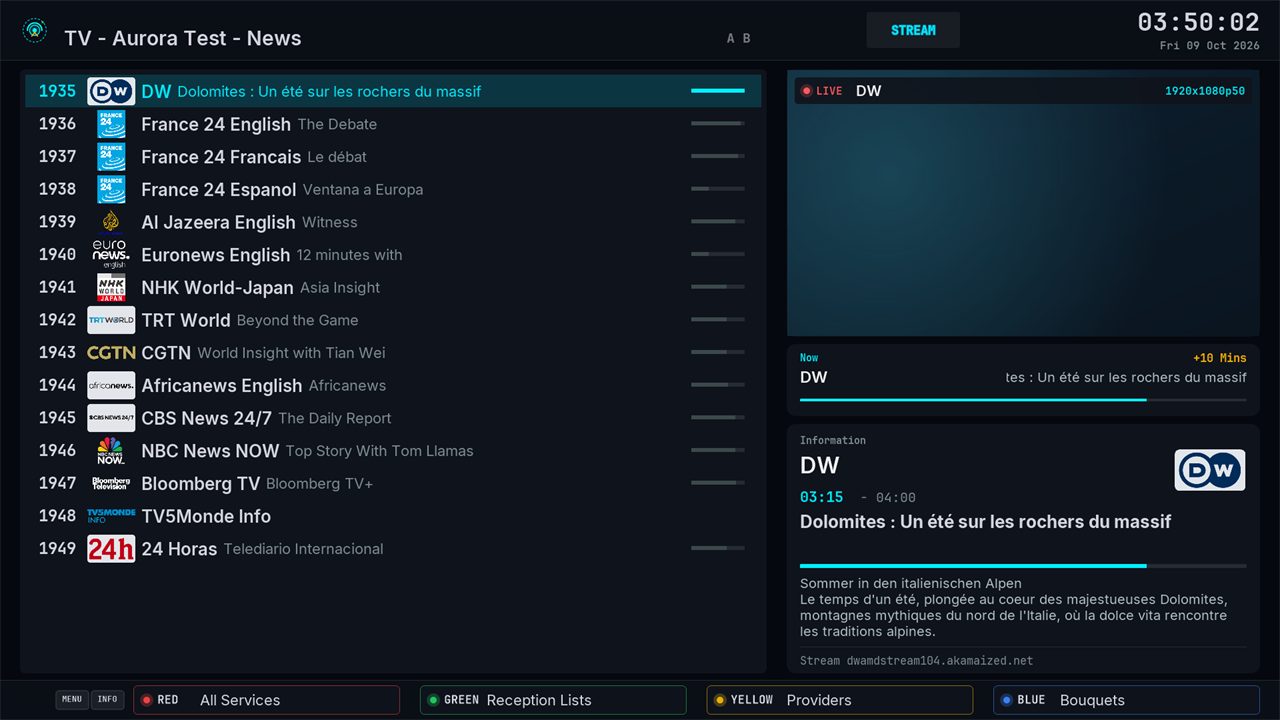
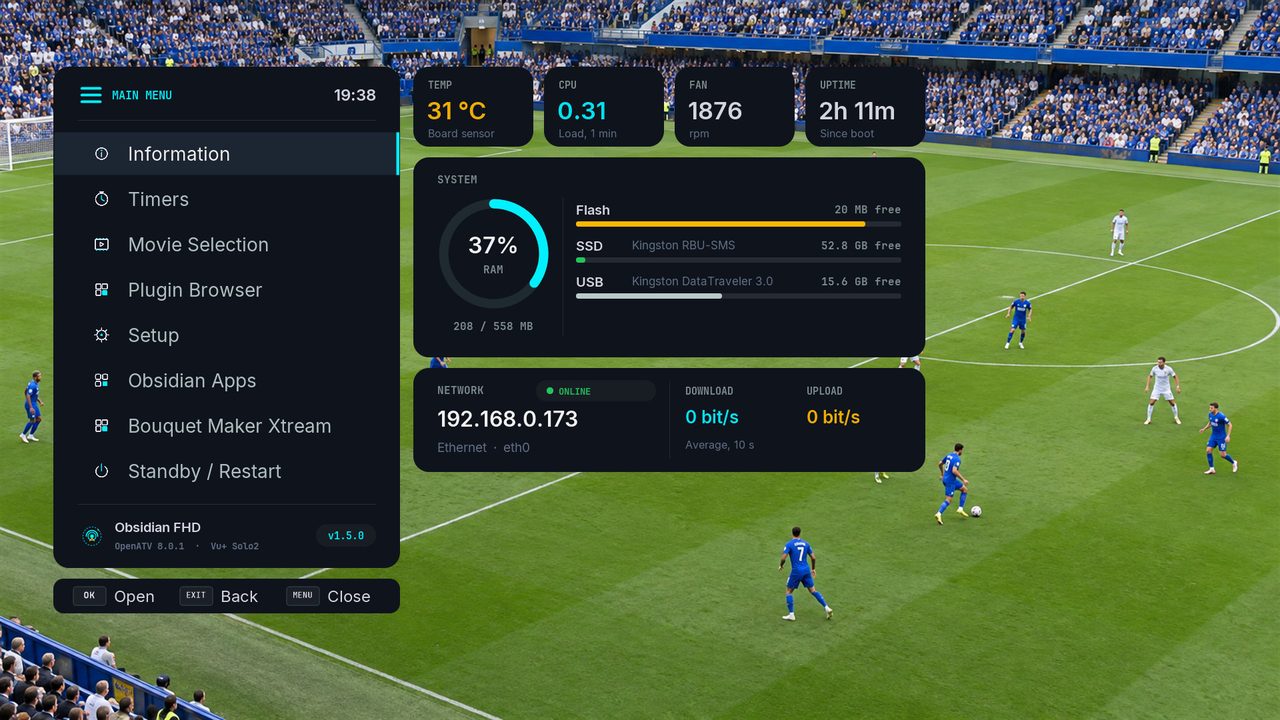
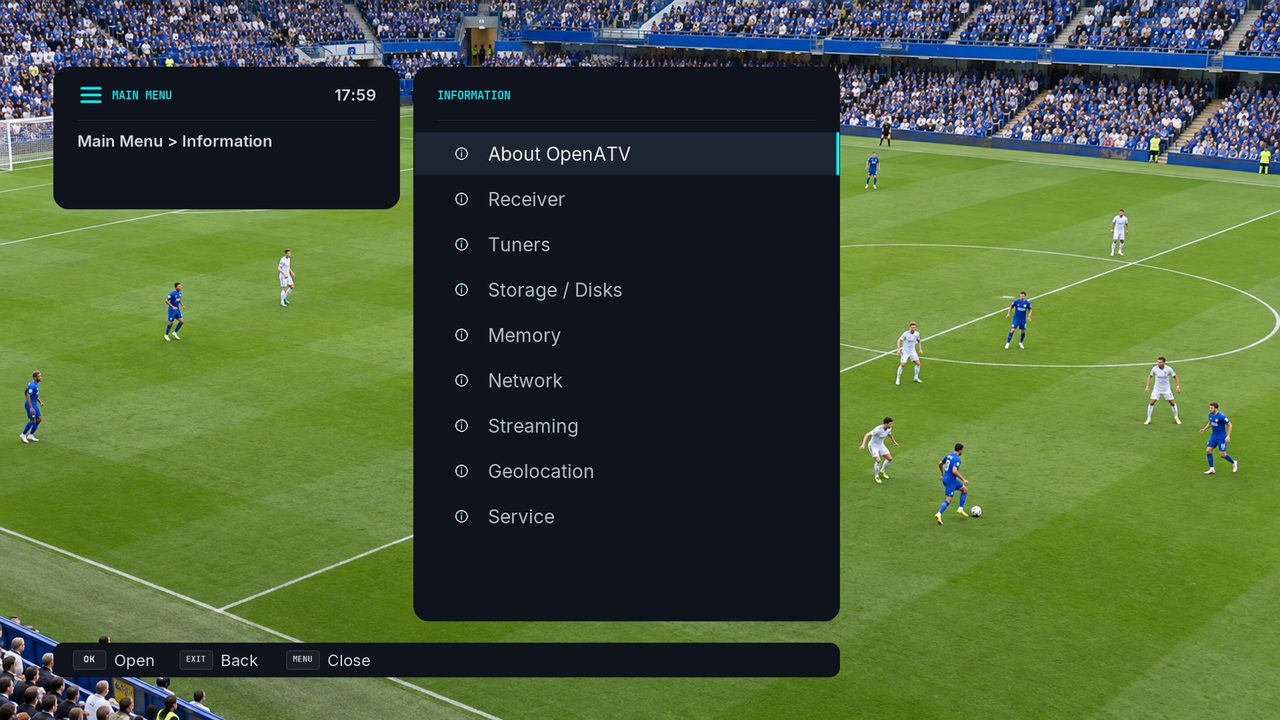
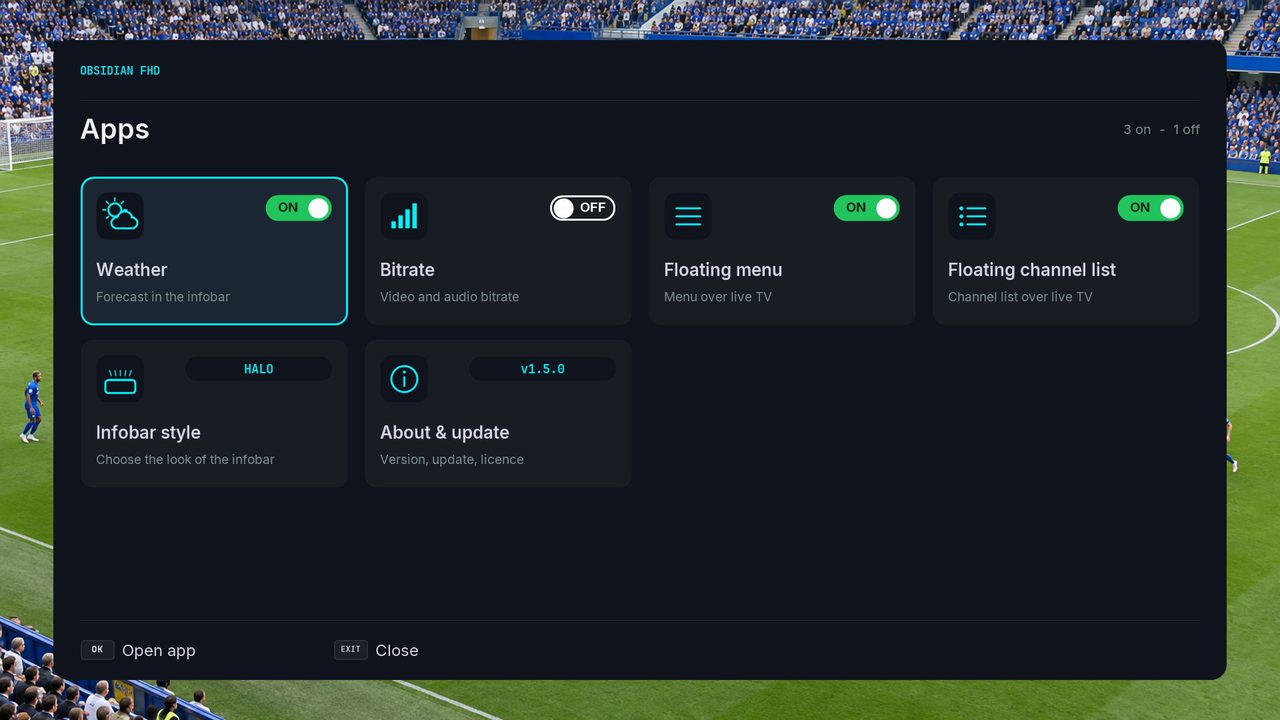
Obsidian FHD: a modern 1080p skin for enigma2 (OpenPLi, OpenATV and other images) A dark "Obsidian Telemetry" skin: OLED-black canvas, electric-cyan and RF-amber accents, Inter for text and JetBrains Mono for technical data. It is built on the structure of PLi-FullNightHD, the reference Full HD skin maintained by OpenPLi, so all of its ~480 screen and plugin definitions use widget names that the OpenPLi code expects. Resolution: 1920×1080 (the box must support Full HD skins) Fonts: Inter, JetBrains Mono and Noto Kufi Arabic (for Arabic text) ship inside the skin (SIL OFL licence). Weather (optional): with the OAWeather plugin installed, the infobar shows the current weather in the top-left corner and the OAWeather screens use the Obsidian style. Without the plugin, nothing changes.
Obsidian-FHD is in the Skins category and runs on Python 3. It is free on the EnigmaPlay store for every common Enigma2 image (OpenATV, OpenPLi, OpenViX, EGAMI, OpenBH and more), and the store updates it as soon as a new version is out.
What's new
1.5.2 - First release
How to install Obsidian-FHD
On the receiver, with the EnigmaPlay store
Open EnigmaPlay, find Obsidian-FHD and press the green button on the remote. The store picks the right build for your image and keeps it updated. No store yet? Install it in a minute.
From your phone, no telnet
The EnigmaPlay Android app installs it on your receiver from the sofa. Get the app
With a telnet command
Copy the command and paste it into a telnet or SSH session on the receiver:
wget -qO- https://raw.githubusercontent.com/dali44g/Obsidian-FHD/main/install.sh | sh
Ratings and comments
Rate Obsidian-FHD
- Loading comments…